
Navigation

Get in touch
Logo
News

Process automation

Manual work comes at a price.

Requests, approvals and handovers should not get stuck in inboxes. We translate your processes into digital forms, tasks and system steps. Exceptions, deputizing and escalation are designed just as carefully as the regular path.

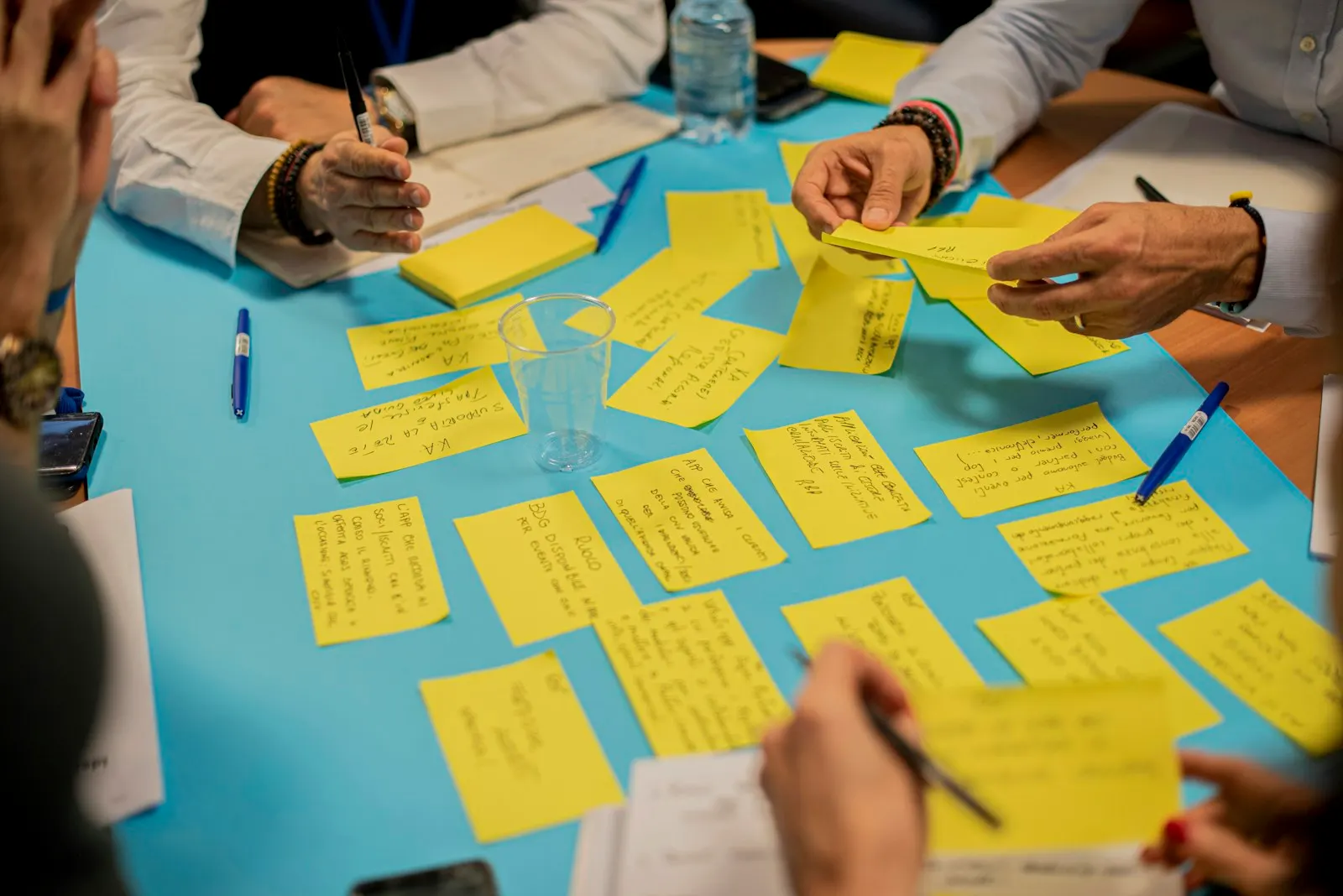
person holding yellow sticky notes — illustrative image
Process models in BPMN 2.0 · Planning and implementation by OTOKO®

Your brief for OTOKO®

What we take care of for you.

Who may submit a request, who decides and what happens when there are follow-up questions? We model not only the fastest path but also rejection, deputizing, expiry of deadlines and cancellation. Human decisions are separated from steps that can be automated. A BPMN model can support alignment; how it is implemented as an executable process depends on the platform. We compare existing tools and new solutions in terms of process duration, integration needs and maintainability.

The possible scope of services

  • Process capture with the business units and modeling in BPMN 2.0
  • Implementation in Camunda, Power Automate or ServiceNow with forms and task lists
  • Connection to ERP, CRM, DMS and directory through interfaces
  • Four-eyes principle, delegation rules and escalation in the process model
  • Metrics per process: cycle time, open cases, aborts

We define the specific scope, your involvement and the acceptance criteria before the start.

Technology explained clearly

How we carry out the task.

01

Automation needs controlled side effects

A workflow can trigger changes in several systems. If step three fails, the first two must not simply be forgotten. We plan retries, compensating actions and manual clarification. Technical service accounts receive limited rights. Approvals are bound to the actual case, so that a later change does not keep running under an old approval. New process versions also need a rule for cases that have already started.


02

Measure lead time and traceability

Acceptance testing checks the normal case and selected exception paths with business users. We hand over the process model, configuration and instructions for open or failed cases. Metrics show wait times and bottlenecks, without confusing successful subtasks with fully completed processes. To get started, we need typical requests, approval rules and the systems involved.

Meeting room at the OTOKO® Cologne office

A verifiable result

What you keep working with.

  1. Process models in BPMN 2.0
  2. Operational workflows with interfaces
  3. Process metrics and operations manual

The handover brings together implementation and documentation. Together, we review the agreed cases and record any remaining tasks.

Before the first step

Your questions about Process automation.

Can a process be automated without programming?

Depending on the platform, much is possible through configuration. Interfaces, error cases and secure permissions still need to be planned and checked technically.

What happens to cases in progress after an update?

This is defined explicitly: cases can either finish in the previous version or be migrated in a controlled way. An unnoticed change of decision rules is avoided.

Your project

Which task would you like to solve?

Describe your situation and the desired result. The selected service will be included in the contact request.

Request this service

Our Partners

  • Microsoft
  • Microsoft Azure
  • Amazon AWS
  • Google Cloud
  • Thales Group
  • Arrow ECS
  • Vodafone
  • IBM
  • Veeam
  • Atlassian
  • JetBrains
  • NinjaOne
  • OPSWAT
  • Utimaco
  • Eviden

Accessibility

Adjust the display to suit your needs.

A simple version is not available for this page yet.

Settings currently apply to this visit. Allow saving in Cookie settings to remember them.